
Video cards support previewing.
Creation
- Click the
+icon in the top-left menu, then clickVideoto create.
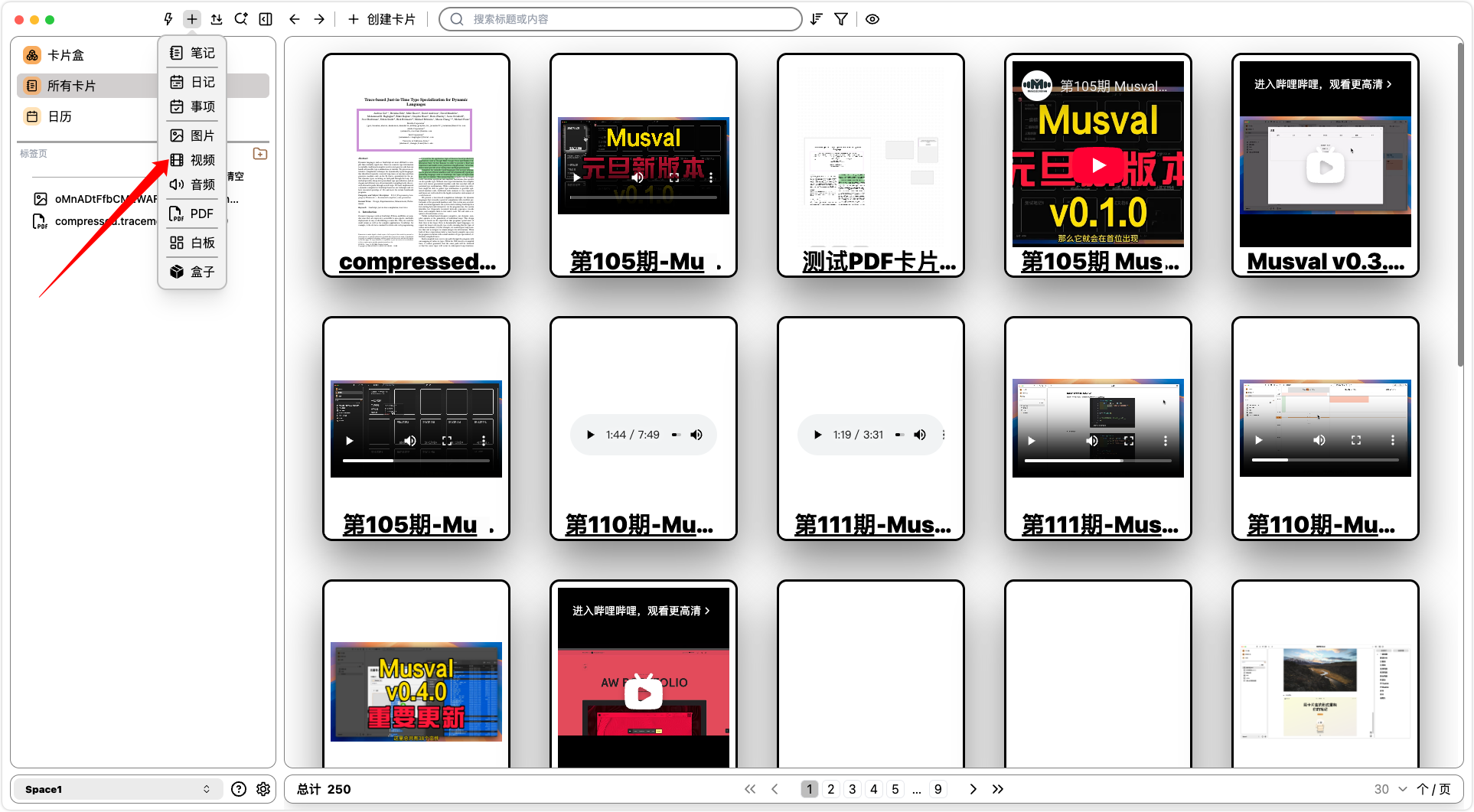
- On the card list page, click
Create Card, then clickVideo.
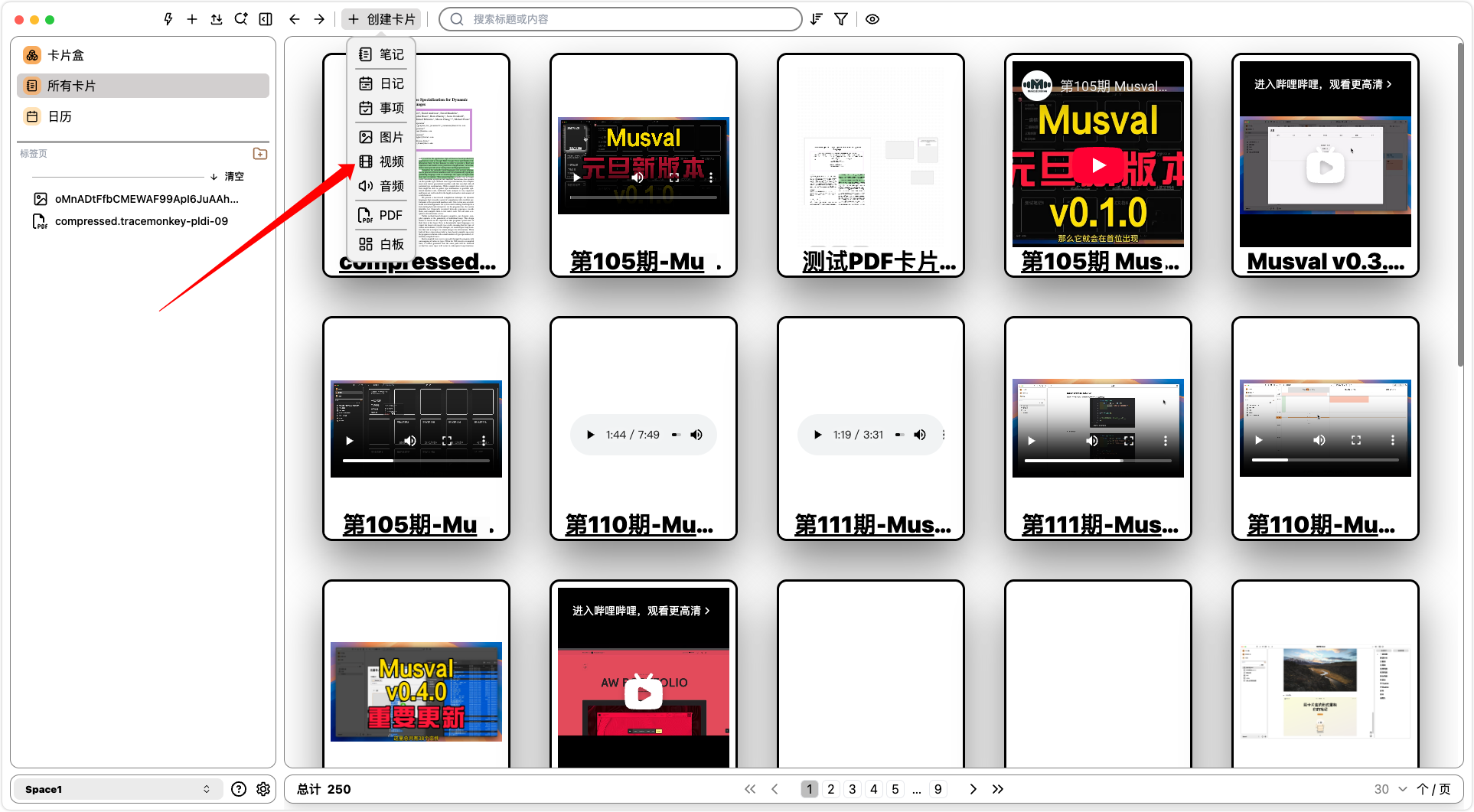
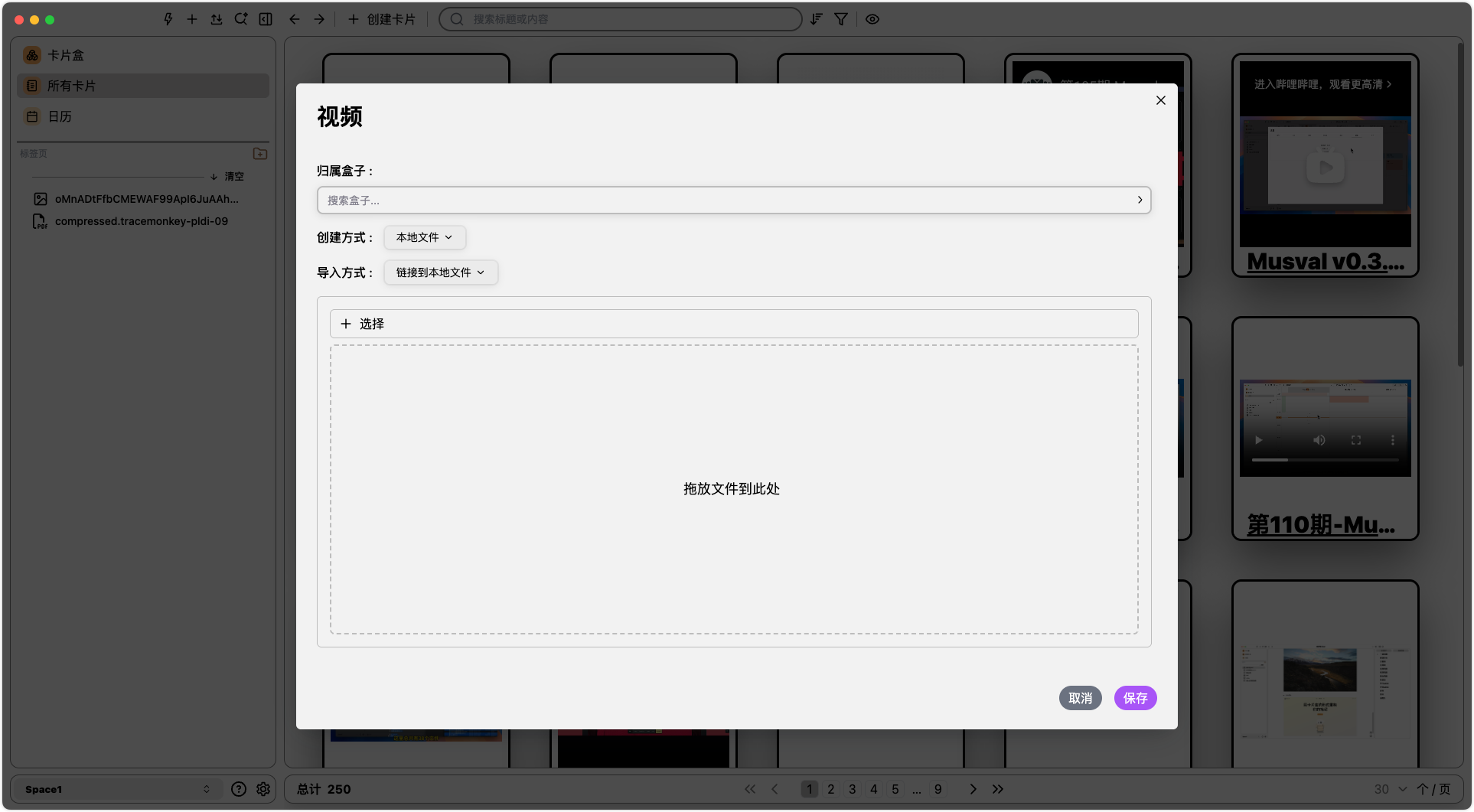
- Creation methods: Supports
local filesandlinks - Import options (only for
local files): Supportslink to local file onlyandimport file into database
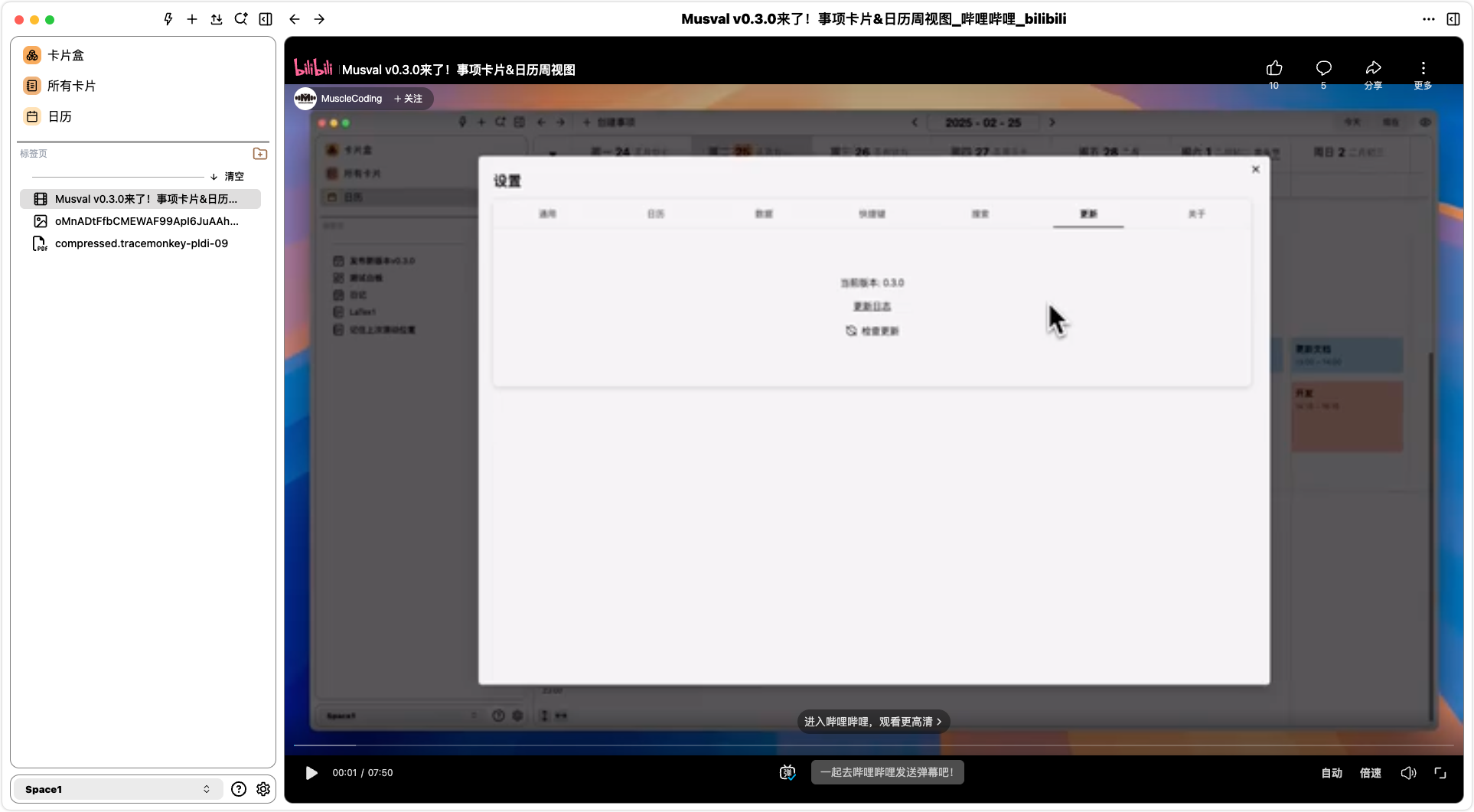
For
mainstream media platform video links, the player will automatically render using the correspondingexternal playerof that platform.
Annotations and timeline
- Video annotations can be sorted along the playback timeline so notes follow watch order.